
Your AI tools just got a brokerage account.
Connect ChatGPT, Claude, Cursor, Gemini CLI, and more directly to Tradier for real-time market data, options chains, order placement, and account management. Production-ready, fully hosted, no local server required.
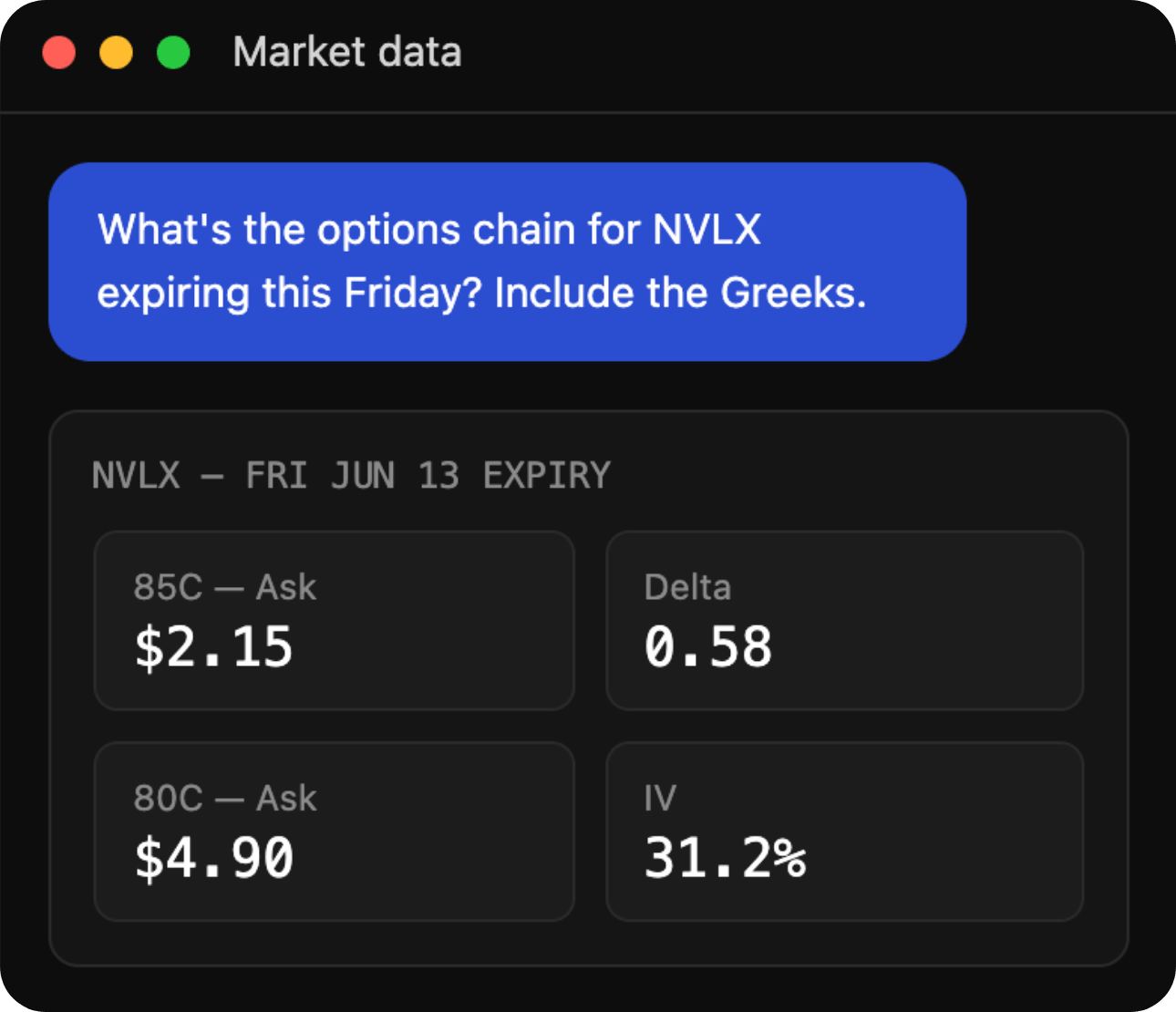
Market Data
Real-time quotes, options chains with Greeks, historical data, and streaming market information, pulled directly into your AI context on demand. Ask about any symbol, expiration, or market condition and get live data back instantly.
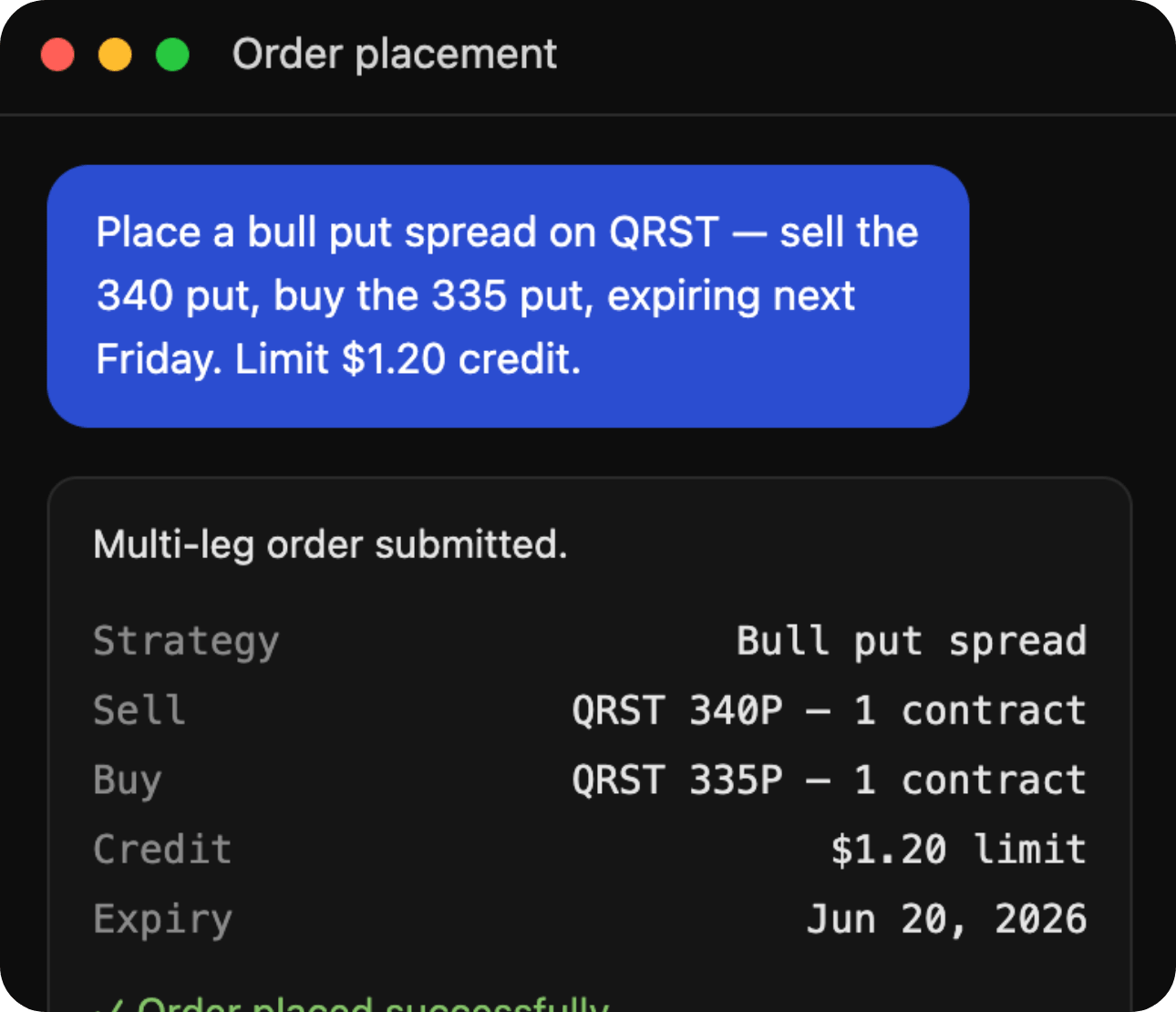
Order Placement
Place, modify, and cancel orders in plain language. Stocks, single-leg options, multi-leg spreads, OCO, OTO, and OTOCO bracket orders — the full order type library. Your AI understands the order. Tradier executes it.
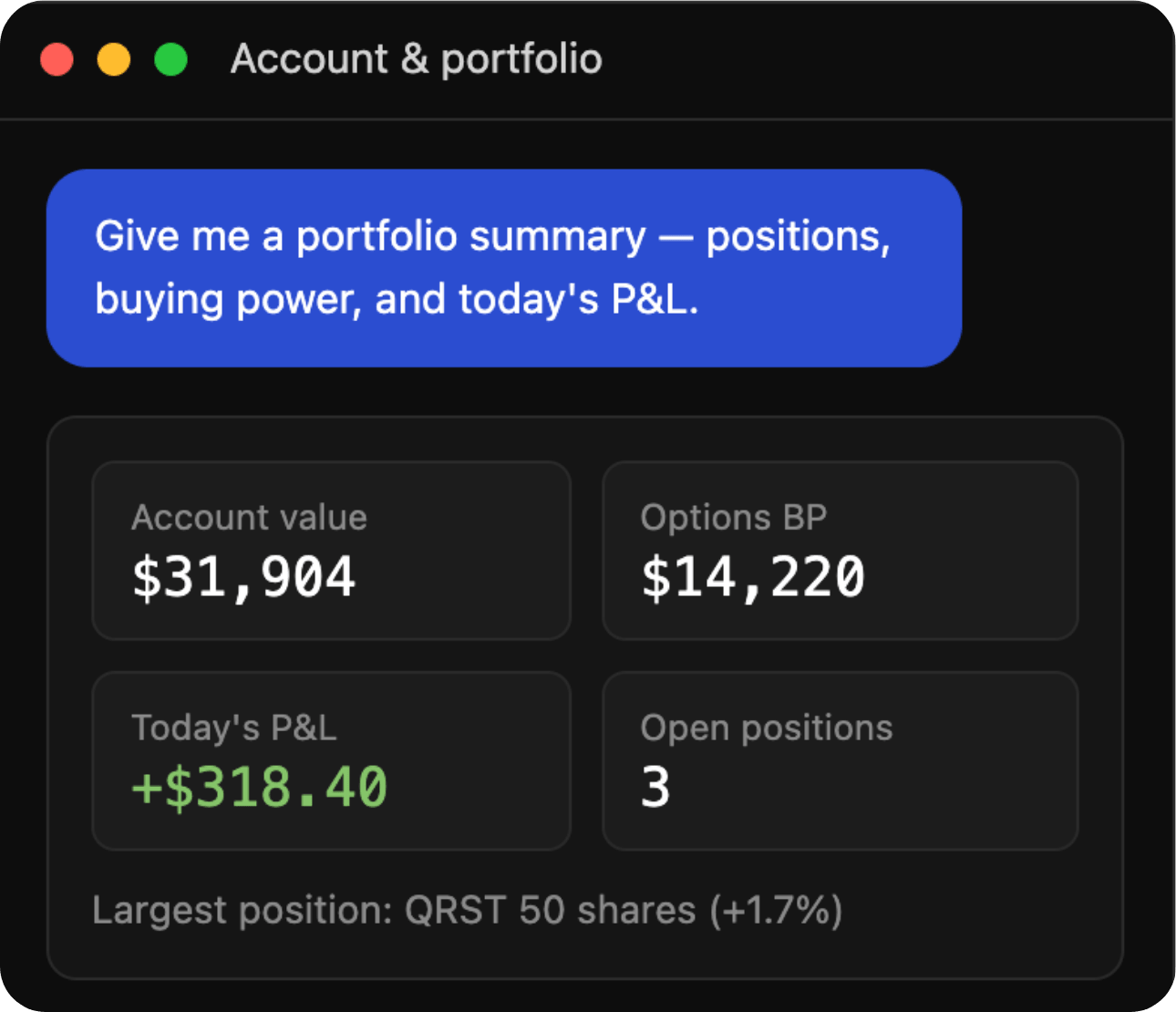
Account & Portfolio
Buying power, open positions, P&L, gain/loss reports, order history, and account balances, all available in natural language. Ask anything about your account and get a real answer in seconds.
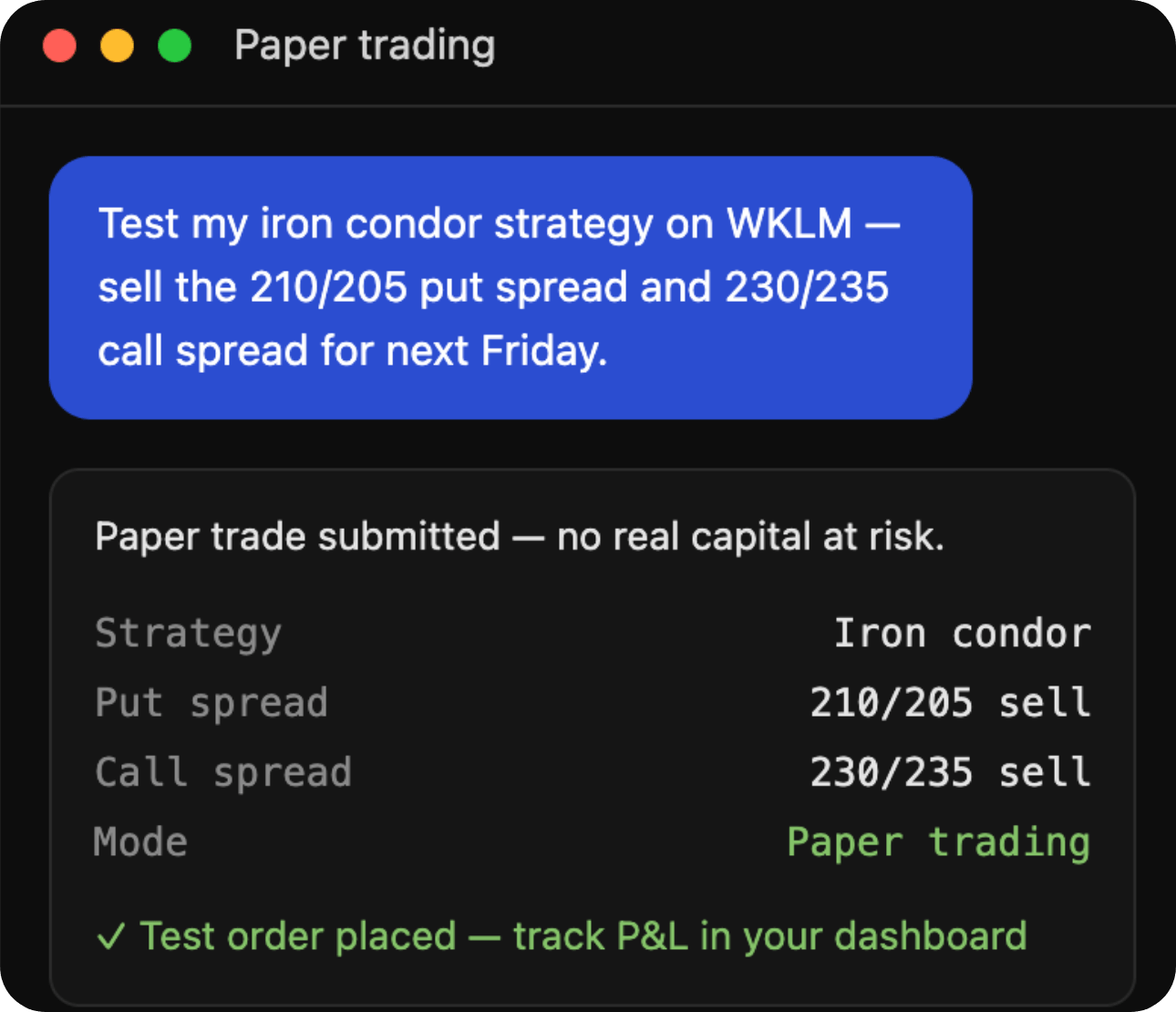
Paper Trading
Prototype and test your AI-powered trading tools without risking real capital. Paper trading endpoints are included with every account, so you can build, test, and refine before you go live.
Connect in three steps.
From your first connection to your first trade, the whole setup takes minutes — no infrastructure to build, no server to host, and no custom environment to configure.
Point your AI tool at Tradier.
Add the MCP server URL through a connector setting or config file, depending on your tool.
Authenticate.
Use your personal API token to link your Tradier account.
Start trading.
Ask for data, place orders, and manage your portfolio in plain language.
Setup steps vary slightly by platform — full instructions for each are in the documentation.
Your account, your control
Every connection runs on a personal API token you generate, and can revoke, at any time. Test any workflow in paper trading first. Nothing touches real capital until you say so.
Works with the tools you already use.
Tradier MCP supports the Streamable HTTP transport protocol — so if your AI tool supports MCP, it works with Tradier. That includes Claude Code, Cursor, and Gemini CLI today, with more integrations on the way. No custom environment, no local server, no extra configuration. Just authenticate and start building.




Talk to your trading account.
You don’t have to be a developer to get value from the Tradier MCP Server. Connect your account to ChatGPT, Claude, or your preferred AI tool and interact with your brokerage in plain language. No code required.
Already have a Tradier account? You’re halfway there. New to Tradier? Sign up in about 10 minutes — any plan works, including the free Lite plan. Then follow our setup guide to connect.
Frequently Asked Questions
What is MCP and why does it matter?
Do I need to run my own server?
Which LLMs and tools are supported?
Do I need to be a developer to use this?
Can I test without risking real money?
How do I get started?
Is my account data secure?
Have more questions?
Our knowledge base is full of helpful information about our products and offerings. You can also reach our Customer Service team at service@tradierbrokerage.com.